 TAB BOUNCER
You're not on the list.
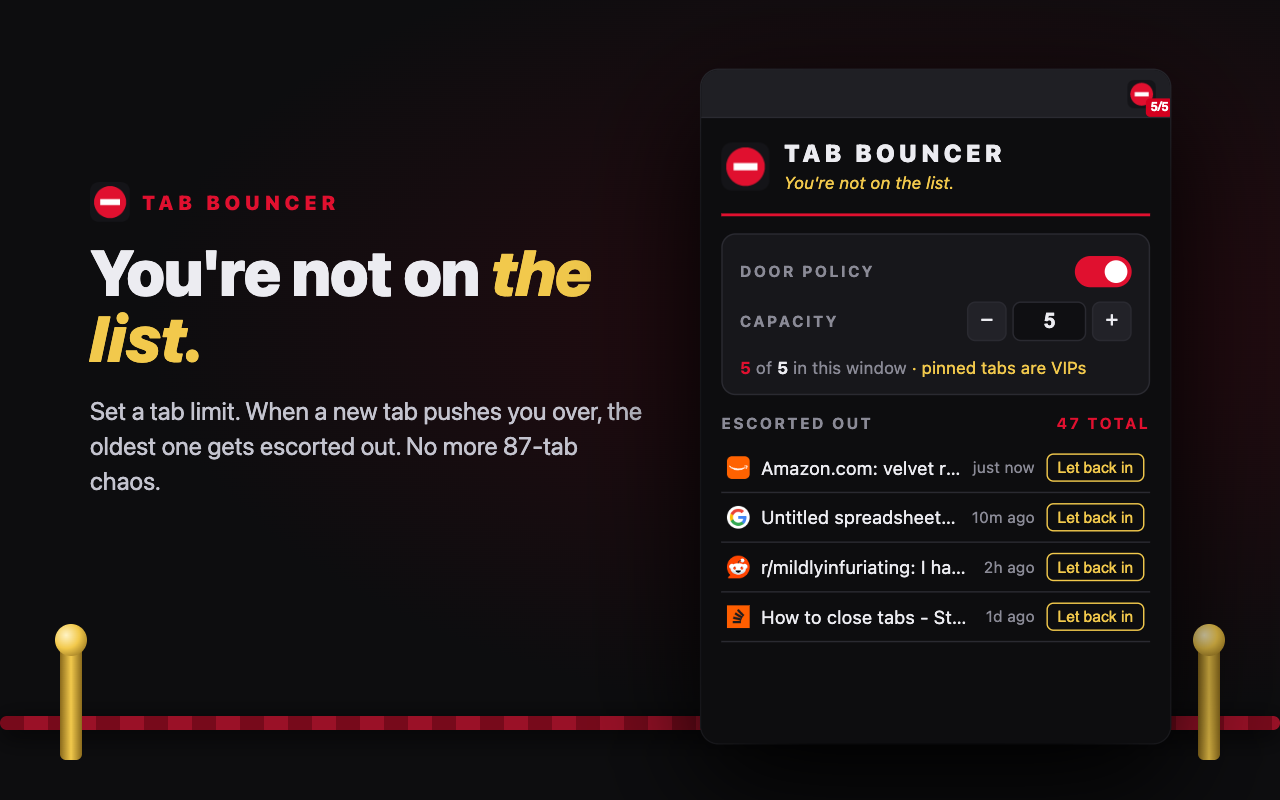
Set a tab limit. When a new tab pushes you over, the oldest one gets escorted out. Five by default, anything you want.
Download free for Chrome How to installChrome Web Store listing coming soon.
Download the 25 second reel (MP4, 9:16)
- Every window gets its own limit. Background windows don't count against the one you're in.
- Pinned tabs are VIPs: never counted, never closed.
- The tab you're looking at is never bounced.
- Changed your mind? "Let back in" restores any of the last 100, history and all.
- No data collected. Nothing leaves your browser.
Install in about a minute
- Download the zip and double-click it to unzip. You'll get a folder.
- In Chrome, go to
chrome://extensions - Turn on Developer mode (top right).
- Click Load unpacked and choose the unzipped folder.
- Click the puzzle-piece icon in the toolbar and pin Tab Bouncer (the red no-entry sign).
The badge shows how full the window you're in is, like 4/5. Already drowning in tabs? Open the popup and hit Clear the club.